Assessment
Workflows, data sources and clinical responsibilities.
A shared view of patient status, upcoming tasks and expected demand. AI support for staff and clear information for patients.
Request a hospital demoAI-supported patient flow within the hospital.
The video and a detailed written overview
Playing the video loads YouTube’s service. Privacy notice
A new priority affects the next examination, staff tasks and the time window shown to the patient. IntelMed makes these connections visible.
Patient pathways, events,
tasks and capacity.
Summaries, forecasts
and review flags.
An authorised professional
decides, modifies or rejects.
An owner, status, notification
and a measurable outcome.
Clinical decisions remain with the authorised healthcare professional. The system supports operational work based on approved information.
The next step matters most to the patient. Their personal view shows the progress of their care, where to go and how to ask for help.
Expected demand becomes a reviewable plan. Actual operations inform a more accurate overview.
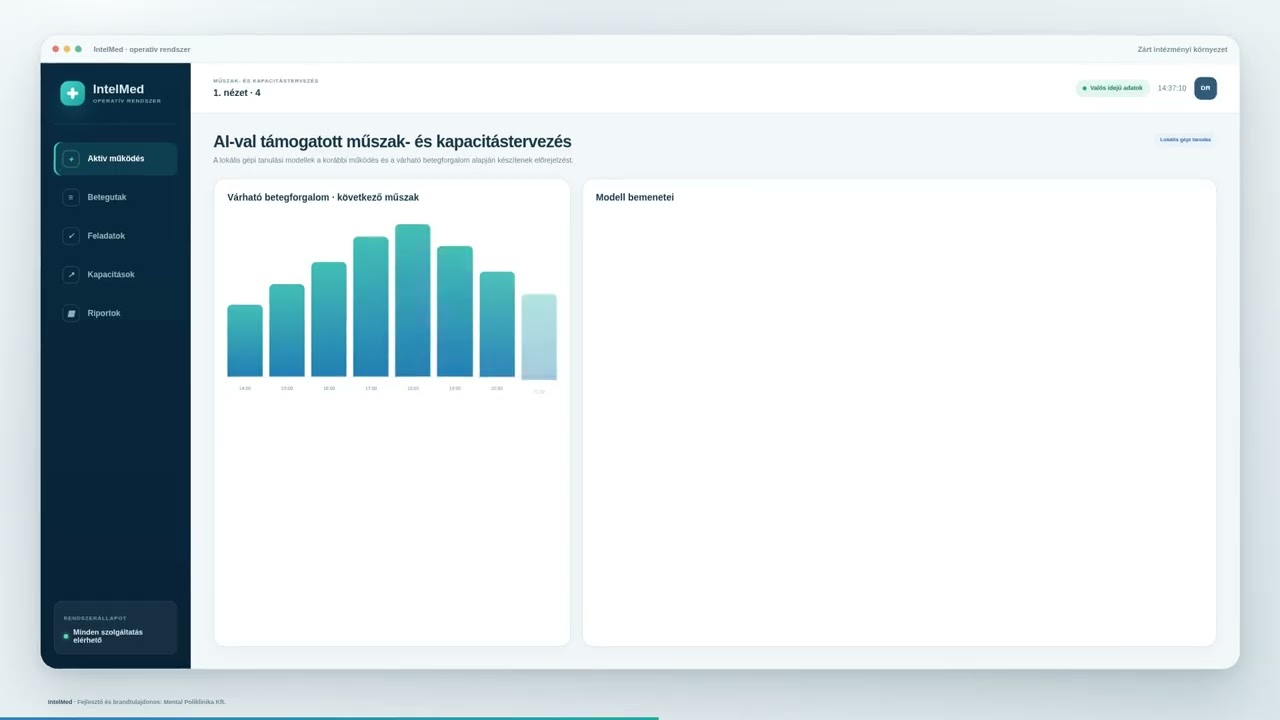
Patient flow, diagnostic demand and staff capacity in an editable plan. Release requires management approval.
ILLUSTRATIVE DEMO DATAIntelMed links available events as an operational layer. A joint assessment defines connections, access rights and the scope of the first phase.
Specific integrations depend on supported interfaces and institutional permissions.
Workflows, data sources and clinical responsibilities.
Data connections, protocols and a supervised observation period.
Training, an institutional pilot and operational evaluation.
Target timeframe for the first phase: 2–3 months.
Subject to integration and institutional requirements.
The emergency operations system makes department workflows easier to follow. Clinical decisions and approval remain with authorised staff.
A patient-related task should show its recipient, current status and completion acknowledgement.
Available patient flow and capacity data can support forecasts and an editable plan for operations leaders.
Patients receive information about their next step, destination and supervised time window from the approved status.
The emergency solution is presented as an operational layer connecting authorised events, tasks and capacity data. Specific system connections are determined through an institutional assessment.
Authorised healthcare staff make clinically significant decisions. AI can prepare a summary, forecast or suggestion; accepting, changing or rejecting it remains a human responsibility.
The time window shown to the patient is an estimate. It may change with current priorities and available capacity and remains subject to operational supervision.
Workflows, data sources, access and responsibilities need to be agreed. The final scope of functions and integrations depends on the institution and its technical environment.
The screens and values shown are illustrative demo data. Final features, data connections and AI capabilities depend on the institutional assessment.